
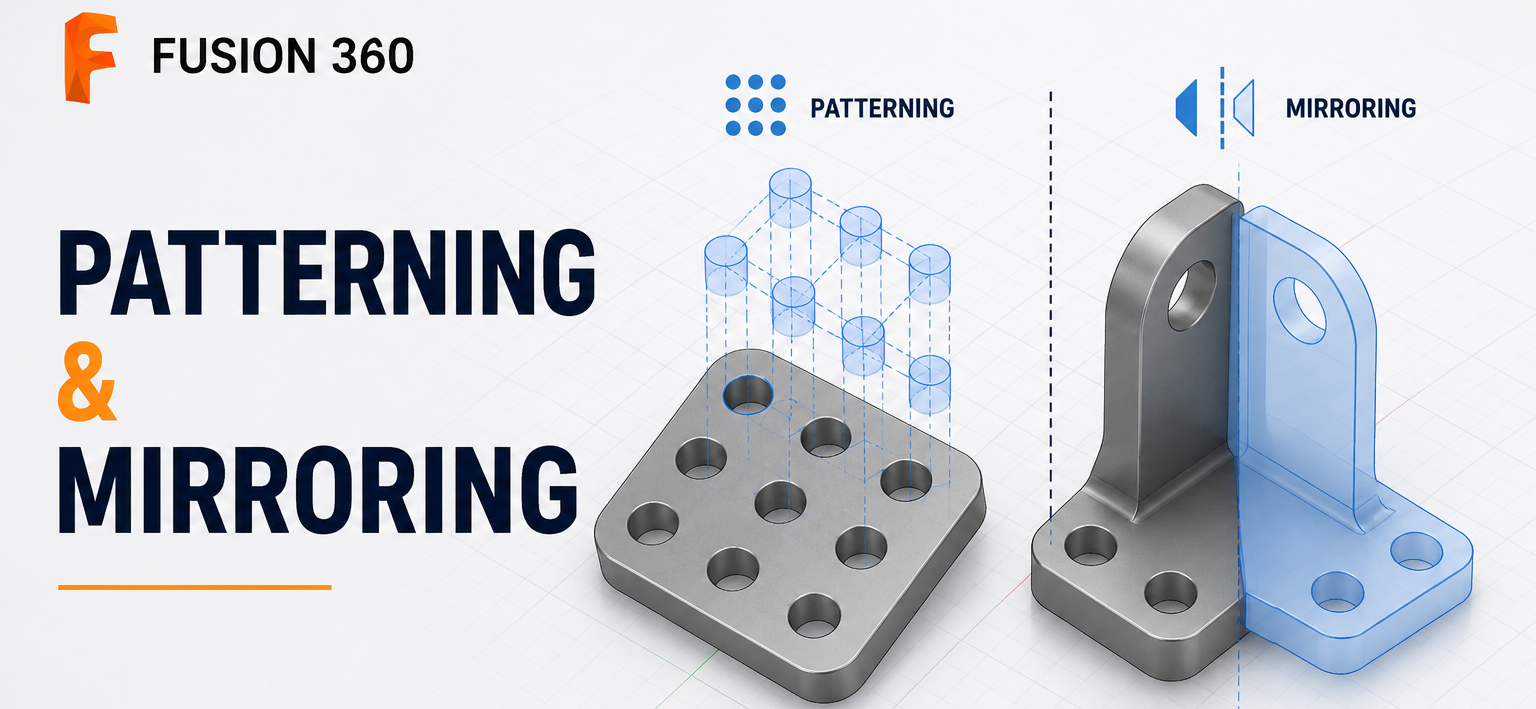
Creating repetitive or symmetrical geometry manually is one of the biggest productivity killers in CAD design. Whether you're designing mechanical parts, consumer products, sheet metal components, or assemblies, Pattern and Mirror tools in Autodesk Fusion 360 help you create complex models quickly while maintaining accuracy.
Instead of recreating identical features repeatedly, you can design once and let Fusion 360 do the rest.
In this guide, you'll learn how Patterning and Mirroring work, when to use them, and how they can significantly improve your CAD workflow.
What is Mirroring in Fusion 360?
The Mirror tool creates an identical copy of geometry across a selected plane or planar face. Rather than modeling both sides individually, you only create one side and mirror it.
Fusion 360 allows you to mirror:
- Sketch geometry
- Faces
- Features
- Bodies
- Components
This approach keeps designs accurate while reducing modeling time.
Why Use the Mirror Tool?
Mirror is especially useful for symmetrical designs such as:
- Mechanical brackets
- Engine components
- Automotive parts
- Machine frames
- Enclosures
- Consumer products
Key Benefit: Faster modeling, perfect symmetry, easier design modifications, and a reduced chance of dimensional errors. Whenever the original feature changes, the mirrored result updates automatically.
What is Patterning in Fusion 360?
Patterning creates multiple copies of geometry using defined spacing or angles. Instead of repeatedly copying features, Fusion 360 automatically generates identical instances based on user-defined parameters.
Fusion 360 offers several pattern types:
1. Rectangular Pattern
Creates copies along one or two directions.
Common applications: Bolt hole arrays, cooling fins, slots, ribs, ventilation openings.
2. Circular Pattern
Duplicates geometry around a central axis.
Perfect for: Flanges, gear teeth, pulley holes, fan blades, circular mounting holes.
3. Pattern on Path
Creates copies along a sketch or model path.
Useful for: Chain links, cable guides, decorative grooves, conveyor components.
4. Geometric Pattern
Uses existing geometry relationships to create repeated features efficiently in suitable workflows.
Sketch Pattern vs Feature Pattern
Fusion 360 allows patterning in both sketches and the 3D model.
Sketch Pattern
Used before creating solid geometry. Ideal when repeating sketch entities, creating hole layouts, or building parametric sketches. Sketch mirror also adds symmetry constraints, helping maintain design intent.
Feature Pattern
Used after modeling operations such as Extrude, Cut, Hole, Fillet, and Chamfer. Feature patterns are generally easier to edit because changes to the original feature propagate throughout the pattern.
Mirror vs Pattern: When Should You Use Each?
| Mirror | Pattern |
|---|---|
| Creates symmetrical geometry | Creates repeated geometry |
| Uses a mirror plane | Uses direction, axis, or path |
| Usually creates one opposite copy | Creates multiple copies |
| Best for symmetric parts | Best for repetitive features |
Many professional CAD models use both tools together.
Example workflow:
- Create one hole
- Pattern the holes
- Mirror the completed feature set
This combined approach dramatically reduces overall modeling time.
Practical & Real-World Engineering Applications
Professional designers across product design, industrial equipment, automotive components, aerospace assemblies, manufacturing fixtures, robotics, mechanical machinery, and consumer electronics rely on these tools for:
- Engine cylinder bolt patterns
- Heat sink fins
- Fan impellers
- Wheel rims
- Gear teeth
- Mechanical brackets
- Structural frames
- Pipe flange holes
- Keyboard key layouts
- Injection mold features
Best Practices & Common Mistakes
Best Practices
- Design one feature first before duplicating.
- Pattern features instead of manually copying geometry.
- Mirror only after one side is complete.
- Keep sketches fully constrained.
- Use construction planes for accurate mirrors.
- Name important features in the timeline.
- Edit the original feature instead of individual copies.
Common Mistakes Beginners Make
- Modeling both sides manually: Doubles the work and increases the chance of errors.
- Copy-Paste instead of Pattern: Manual copies lose parametric relationships.
- Using Bodies instead of Features: Feature patterns are usually easier to modify later.
- Overcomplicating sketches: Avoid creating massive repeated sketches when a feature pattern is more efficient.
Final Thoughts
Patterning and Mirroring are among the most valuable productivity tools in Fusion 360. They reduce repetitive work, maintain design accuracy, and make models easier to edit as projects evolve. Whether you're designing a simple bracket or a complex mechanical assembly, mastering these features will help you build professional, parametric models more efficiently.
Learn Fusion 360 with Real Engineering Projects
Want to master Fusion 360 from the ground up?
The Complete Fusion 360 All-in-One Course for Beginners covers sketching, part modeling, assemblies, drawings, sheet metal, rendering, simulations, and practical engineering projects to help you build job-ready CAD skills.
 - 3551-360x220.png)
 - 2085-360x220.png)
 - 3168-360x220.png)
