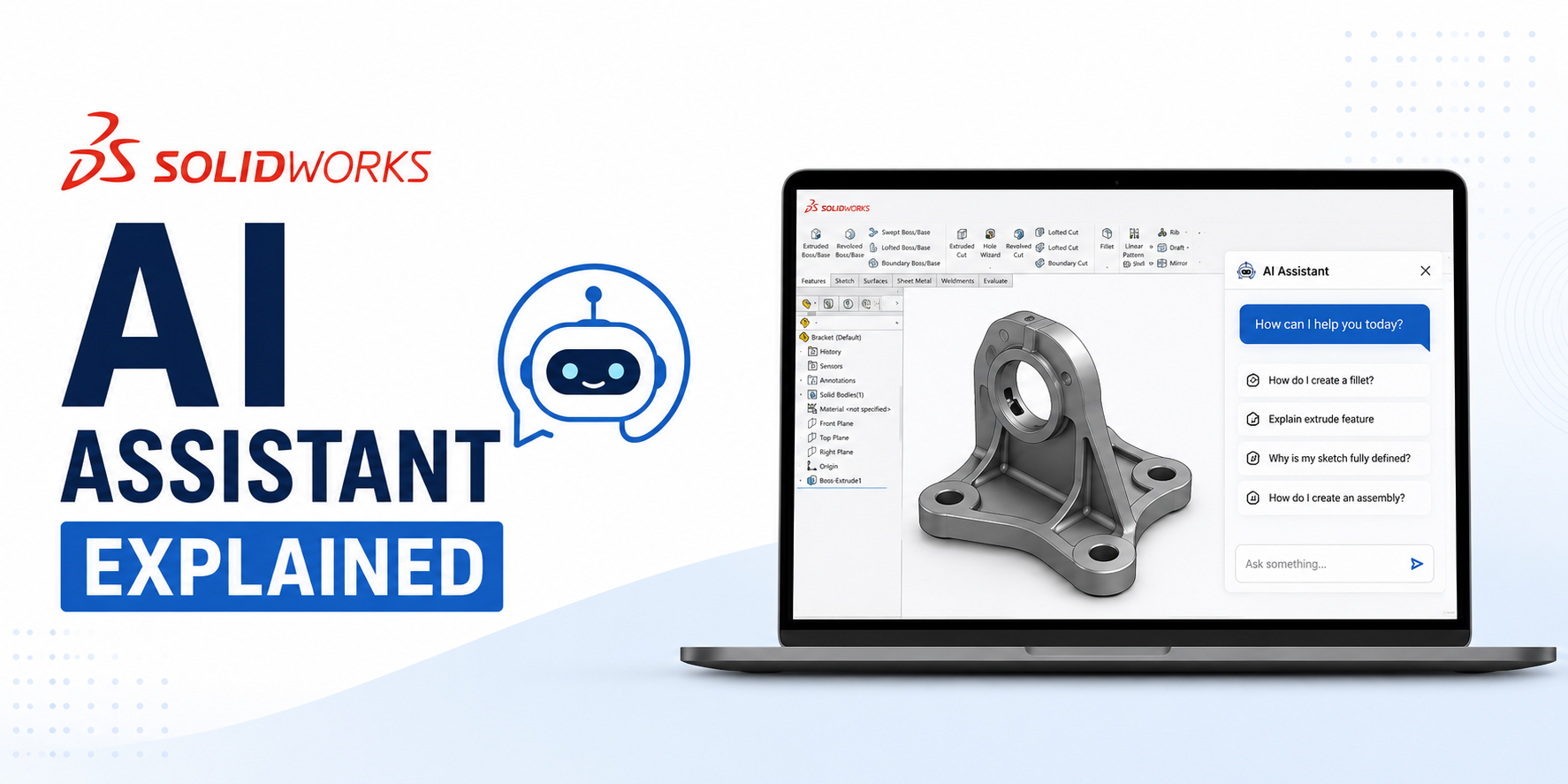
Artificial Intelligence (AI) is transforming the way engineers design products, and SOLIDWORKS AI Assistant is one of the latest innovations helping designers work smarter. Instead of replacing engineers, the AI Assistant acts as a productivity tool by simplifying repetitive tasks, providing intelligent suggestions, and helping users create high-quality designs more efficiently.
Whether you're a beginner learning SOLIDWORKS or an experienced mechanical designer, understanding how AI integrates into your CAD workflow can significantly improve your productivity.
What is the SOLIDWORKS AI Assistant?
The SOLIDWORKS AI Assistant is an AI-powered feature integrated into the SOLIDWORKS ecosystem that helps users interact with the software using natural language. Rather than searching through menus or documentation, users can ask questions, request guidance, and receive contextual assistance directly within their workflow.
The assistant is designed to reduce the learning curve while improving design efficiency.
Why AI is Becoming Important in CAD
Traditional CAD software requires users to know commands, workflows, and best practices. AI changes this by making software more intuitive.
Instead of asking: "Where is this command?"
You can simply ask:
"How do I create a loft?"
or
"Why is this feature failing?"
The AI Assistant provides guidance instantly, saving valuable design time.
Key Features of SOLIDWORKS AI Assistant
1. Natural Language Interaction
Instead of navigating multiple toolbars, users can ask questions in plain English.
Examples:
- How do I create a sheet metal flange?
- Explain assembly mates.
- How do I fix sketch errors?
- What causes rebuild errors?
This makes learning SOLIDWORKS much faster for beginners.
2. Intelligent Design Guidance
The AI Assistant can recommend the correct modeling workflow based on your design intent.
For example, instead of randomly selecting features, it may suggest:
- Extrude
- Revolve
- Sweep
- Loft
depending on your sketch geometry.
3. Faster Learning
New users often spend significant time watching tutorials or searching forums. The AI Assistant provides:
- Step-by-step instructions
- Feature explanations
- Best practices
- Command recommendations
without leaving SOLIDWORKS.
4. Troubleshooting Support
Feature failures are common during CAD modeling. The AI Assistant can help identify issues such as:
- Overdefined sketches
- Missing references
- Failed rebuilds
- Broken mates
- Invalid feature order
This reduces debugging time considerably.
5. Workflow Recommendations
AI can recommend better modeling practices, including:
- Feature order optimization
- Parametric design improvements
- Sketch organization
- Assembly structure
These suggestions help create cleaner and more maintainable CAD models.
Benefits for Mechanical Engineers
Using the SOLIDWORKS AI Assistant can help engineers:
- Design faster
- Reduce repetitive work
- Learn advanced features more quickly
- Improve design quality
- Minimize modeling errors
- Increase productivity
Whether you're creating a small bracket or a complex machine assembly, AI acts as a design companion throughout the process.
Industries That Benefit
SOLIDWORKS AI Assistant can be valuable across many industries:
- Automotive: Vehicle components, Chassis systems, Engine assemblies
- Aerospace: Structural components, Lightweight part design, Complex assemblies
- Manufacturing: Fixtures, Tooling, Production equipment
- Robotics: Robotic arms, End effectors, Motion systems
- Consumer Products: Plastic enclosures, Household products, Electronic devices
Is AI Replacing Mechanical Engineers?
Absolutely not.
AI cannot replace engineering judgment, creativity, or problem-solving skills. Instead, it helps engineers by:
- Reducing repetitive tasks
- Providing instant guidance
- Improving workflows
- Accelerating product development
Think of AI as an intelligent assistant—not a replacement for engineering expertise.
Why Students Should Learn AI-Enabled CAD
Modern engineering companies increasingly expect engineers to be comfortable using AI-enhanced design tools. Learning SOLIDWORKS with AI support helps students:
- Build confidence faster
- Understand best practices
- Improve productivity
- Stay current with industry trends
Combining CAD knowledge with AI-assisted workflows gives learners a competitive advantage.
Master SOLIDWORKS from Beginner to Pro
Ready to build job-ready CAD skills? The CADArtifex SOLIDWORKS Mastery Pack covers everything you need to solve real-world mechanical engineering challenges.
Final Thoughts
The SOLIDWORKS AI Assistant represents a significant step toward smarter CAD workflows. By combining artificial intelligence with proven engineering practices, it helps designers learn faster, work more efficiently, and focus on solving real engineering problems.
As AI continues to evolve, engineers who embrace these tools will be better equipped to design innovative products and stay competitive in the rapidly changing world of product development.
 - 5441-360x220.png)
 - 9142-360x220.png)