
 Recorded
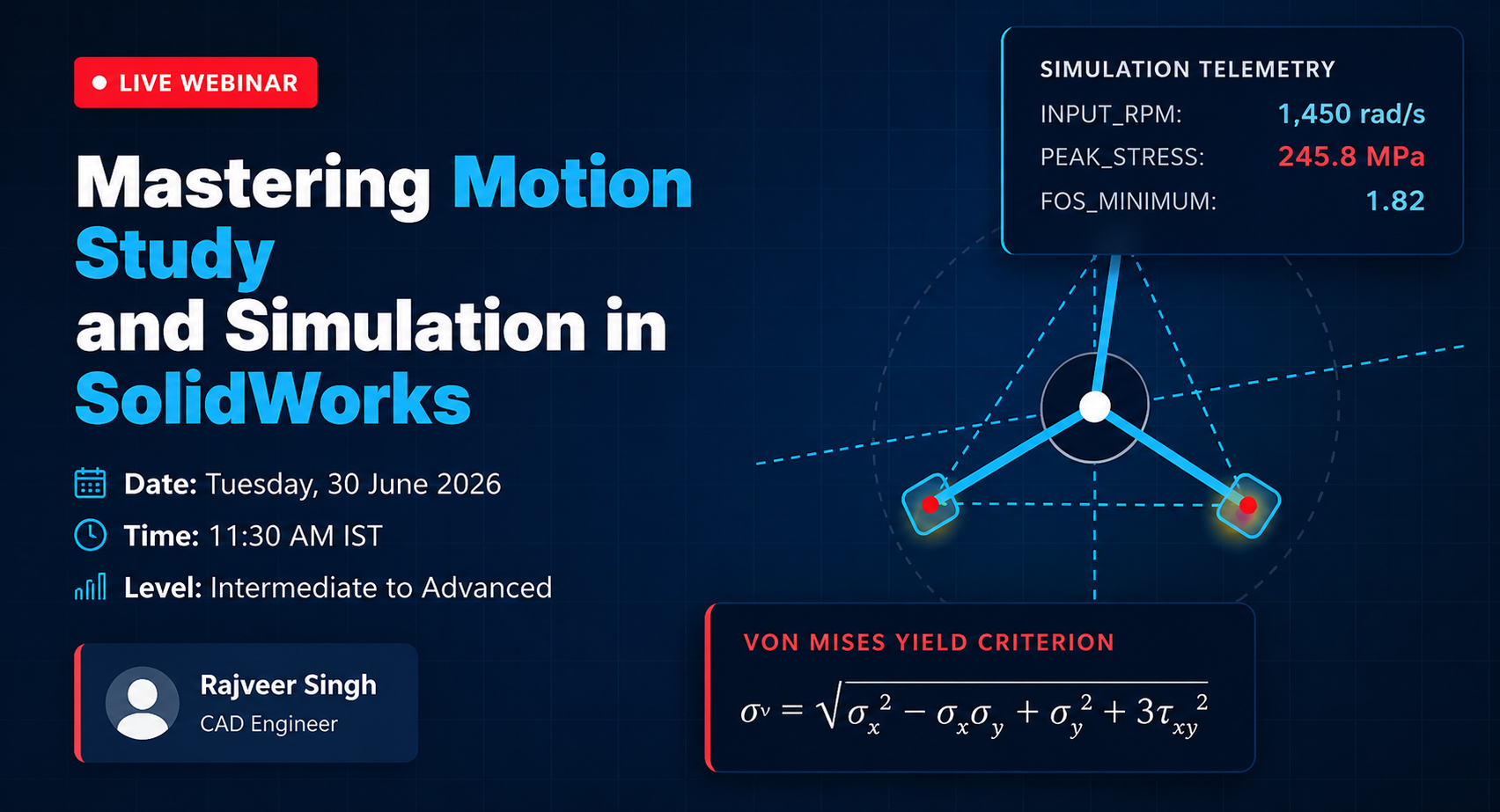
Learn how to build, animate, and validate a 4-bar linkage mechanism in SOLIDWORKS using Motion Study and SimulationXpress. Discover collision detection, physical dynamics, and stress analysis in a practical 2-hour live session.
Most engineers model parts. Smart engineers model parts that prove they work. In this 2-hour session, we go deep into SolidWorks Motion Study and SimulationXpress — together, they turn your assembly from a pretty 3D picture into a functioning virtual machine.
A 4-bar linkage is the mechanism behind windshield wipers, robotic arms, folding chairs, and suspension systems. Modeling one, animating it, and then stress-testing it live — that's the moment most beginners realise SolidWorks isn't CAD software. It's an engineering lab.
Every minute is accounted for. No fluff, no sales pitch in between — just pure engineering knowledge, live on screen.

Rajveer Singh is a CAD Design Engineer and SOLIDWORKS Mentor with expertise in 3D modeling, assembly design, motion studies, and engineering simulations.
Master industry-standard 3D CAD design through a structured live training program. Learn sketching, part modeling, assemblies, engineering drawings, Motion Study basics, Simulation basics, and real-world engineering projects with expert instructor guidance.
View SOLIDWORKS Mastery – Live Online Training
Your information will never be shared with any third party