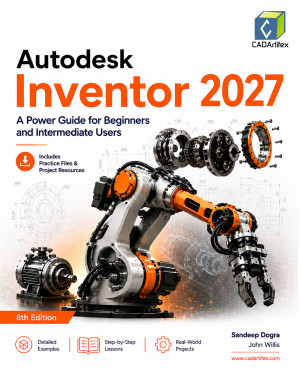
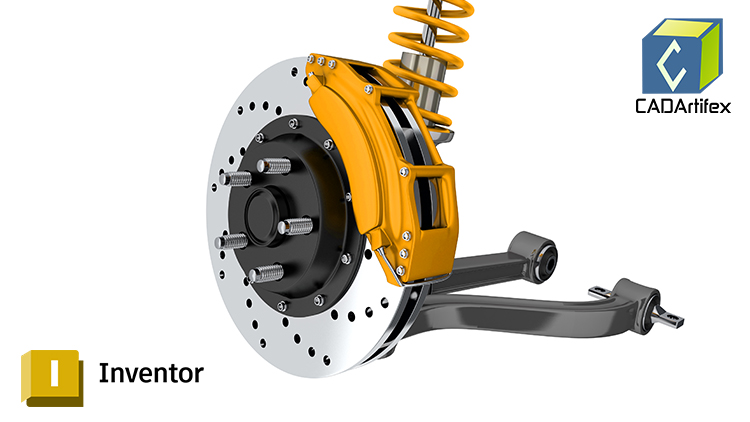
Autodesk Inventor 2027: A Power Guide for Beginners and Intermediate Users is a comprehensive learning resource designed for both instructor-led classroom training and self-paced learning. The textbook is intended for engineers, designers, students, and professionals who want to learn Autodesk Inventor and create professional-quality 3D mechanical designs. Whether you are a beginner or an intermediate user, this book provides a structured learning path to help you build confidence and master Autodesk Inventor.
The textbook contains 14 comprehensive chapters spread across 794 pages, covering all the major environments of Autodesk Inventor, including the Sketching, Part Modeling, Assembly, Presentation, and Drawing environments. You will learn how to create fully parametric 3D solid parts, complex assemblies, exploded presentations, animations, and detailed manufacturing drawings using industry-standard design practices.
Rather than simply explaining individual commands, this textbook emphasizes the concepts behind mechanical design. Each chapter includes carefully designed, step-by-step tutorials that guide you through practical engineering projects while reinforcing fundamental design principles. At the end of every chapter, hands-on test drives provide additional practice to strengthen your understanding and improve your design skills.
Who Should Read This Book?
This textbook is ideal for:
- Students learning Autodesk Inventor for the first time
- Mechanical engineers and product designers
- CAD professionals upgrading their Inventor skills
- Technical institutes and engineering colleges
- Corporate training programs
- Autodesk Inventor instructors seeking structured teaching material
The easy-to-follow lessons make complex modeling techniques simple to understand while gradually introducing more advanced design concepts.
Downloadable Resources
Students and instructors can download all the models, assemblies, tutorials, and hands-on exercises used throughout the book. These resources allow readers to follow every tutorial exactly as demonstrated and gain valuable practical experience.
Interactive Learning Support
Many important tutorial steps include QR codes that link directly to video demonstrations, making it easier to understand complex operations and follow challenging modeling procedures.
Key Features
- Comprehensive Coverage: Learn the major tools, commands, and workflows of Autodesk Inventor 2027.
- Step-by-Step Tutorials: Build real-world mechanical components and assemblies through detailed guided exercises.
- Hands-On Test Drives: Reinforce your learning with practical exercises at the end of every chapter.
- Design-Focused Learning: Understand both Autodesk Inventor tools and the engineering concepts behind effective mechanical design.
- Tips and Notes: Improve productivity with practical tips, shortcuts, and best practices.
- Faculty Resources: Access PowerPoint presentations and additional classroom projects designed specifically for instructors.
- Free Downloadable Files: Includes all models, tutorials, assemblies, and exercise files used in the textbook.
- Technical Support: Get assistance directly from the authors at [email protected].
By the end of this book, you will have developed the skills needed to create professional parametric parts, assemblies, exploded presentations, animations, and production-ready engineering drawings. Whether you are learning for academic, professional, or industrial applications, this book provides a complete foundation for mastering modern mechanical design with Autodesk Inventor.