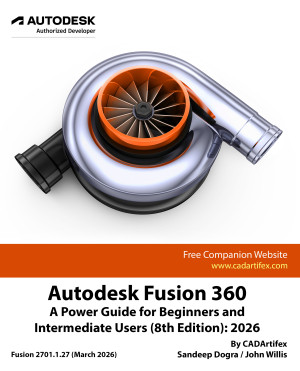
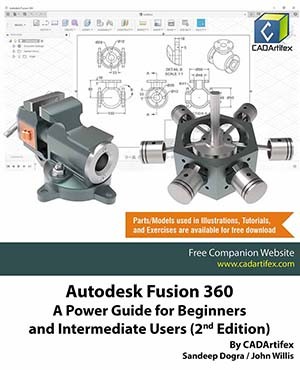
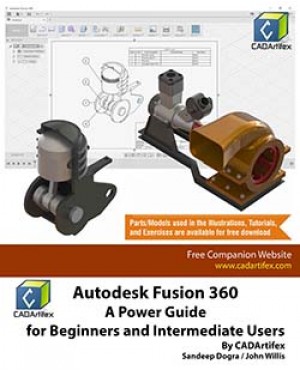
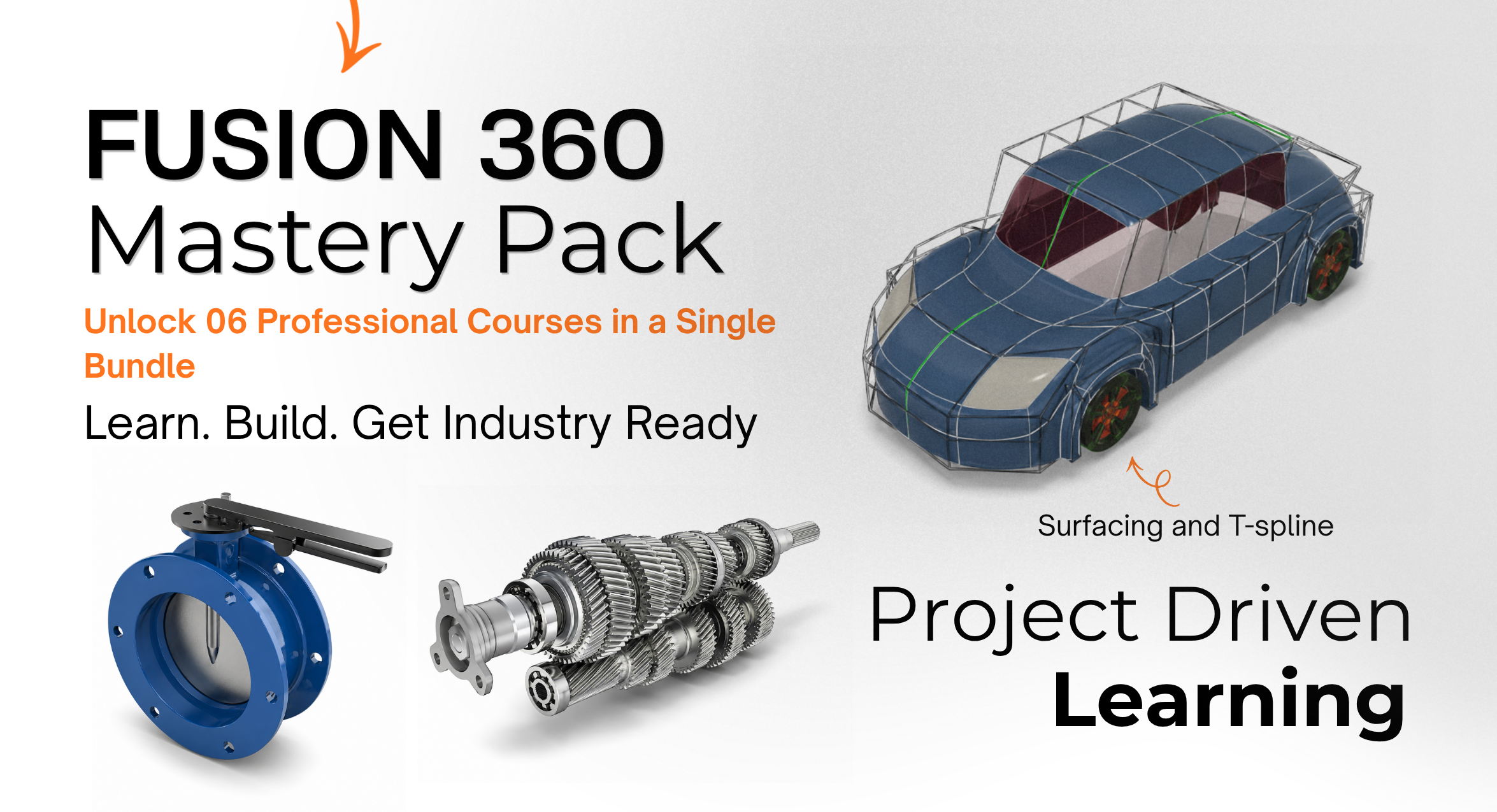
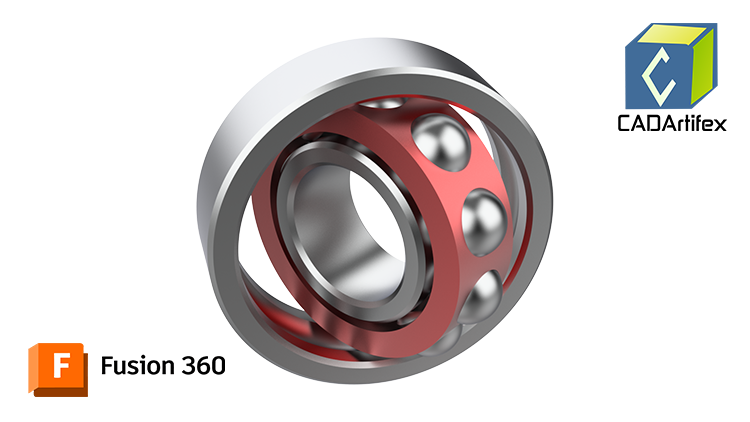
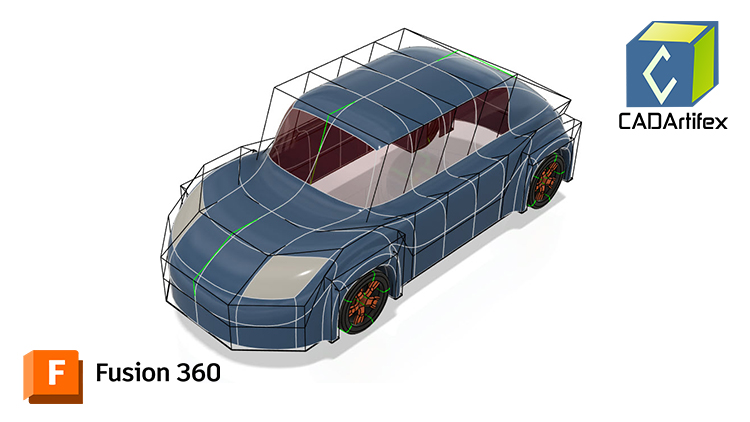
Autodesk Fusion 360: A Power Guide for Beginners and Intermediate Users (8th Edition): 2026 is designed for both instructor-led training and self-paced learning, this textbook is an essential resource for engineers, designers, and students aiming to master 3D mechanical design.
This comprehensive guide spans 14 chapters and 768 pages, covering key Autodesk Fusion workspaces, including DESIGN, ANIMATION, and DRAWING. It provides a structured approach to creating parametric 3D solid components, assemblies, animations, and detailed 2D drawings. Serving as both a valuable learning tool for beginners and an effective teaching aid for instructors.
This edition has been developed using Autodesk Fusion version 2701.1.27 (March 2026) to ensure compatibility with the latest features and enhancements..
What Makes This Book Unique
Unlike traditional software manuals, this book goes beyond explaining tools and commands. It emphasizes design principles and real-world application, helping users build both technical skills and conceptual understanding.
- Step-by-step tutorials in every chapter
- Real-world mechanical design projects
- Clear explanations for complex concepts
- Hands-on exercises for skill development
Each chapter concludes with Hands-on Test Drives, enabling learners to practice and reinforce their understanding effectively.
Who Should Read This Book
This textbook is ideal for:
- Beginners starting their journey with Autodesk Fusion
- Intermediate and advanced users seeking structured skill enhancement
- Faculty members and Autodesk Fusion instructors conducting classroom training
The clear, logically organized chapters make complex concepts easy to understand while building a strong foundation in design principles and software workflows.
Interactive Learning Support
Key tutorial steps are accompanied by QR codes that link to video demonstrations, helping users through challenging stages of the learning process.
Downloadable Resources
Students and faculty can download all models, parts, tutorials, and hands-on exercises used throughout the textbook, providing access to practical resources for deeper learning. Faculty members can also access the PowerPoint Presentations of each chapter.
Contents at a Glance
Chapter 1. Introducing Autodesk Fusion
Chapter 2. Drawing Sketches with Autodesk Fusion
Chapter 3. Editing and Modifying Sketches
Chapter 4. Applying Constraints and Dimensions
Chapter 5. Creating Base Feature of Solid Models
Chapter 6. Creating Construction Geometries
Chapter 7. Advanced Modeling - I
Chapter 8. Advanced Modeling - II
Chapter 9. Patterning and Mirroring
Chapter 10. Editing and Modifying 3D Models
Chapter 11. Working with Assemblies - I
Chapter 12. Working with Assemblies - II
Chapter 13. Creating Animation of a Design
Chapter 14. Working with Drawings
Key Features of the Textbook
- Comprehensive coverage of tools
- Step-by-step real-world tutorials with every chapter
- Hands-on test drives to enhance the skills at the end of every chapter
- Additional notes and tips
- Customized content for faculty (PowerPoint Presentations)
- Free learning resources for faculty and students
- Additional student and faculty projects
- Technical support for the book by contacting [email protected]
This textbook equips learners with the skills, techniques, and confidence required to master Autodesk Fusion. Whether you are a beginner building a foundation or a professional refining your expertise, this guide enables you to excel in:
- 3D Mechanical Design
- Parametric Modeling
- Assembly Design
- Technical Drawing & Documentation